Attachments
Jan 17, 2026
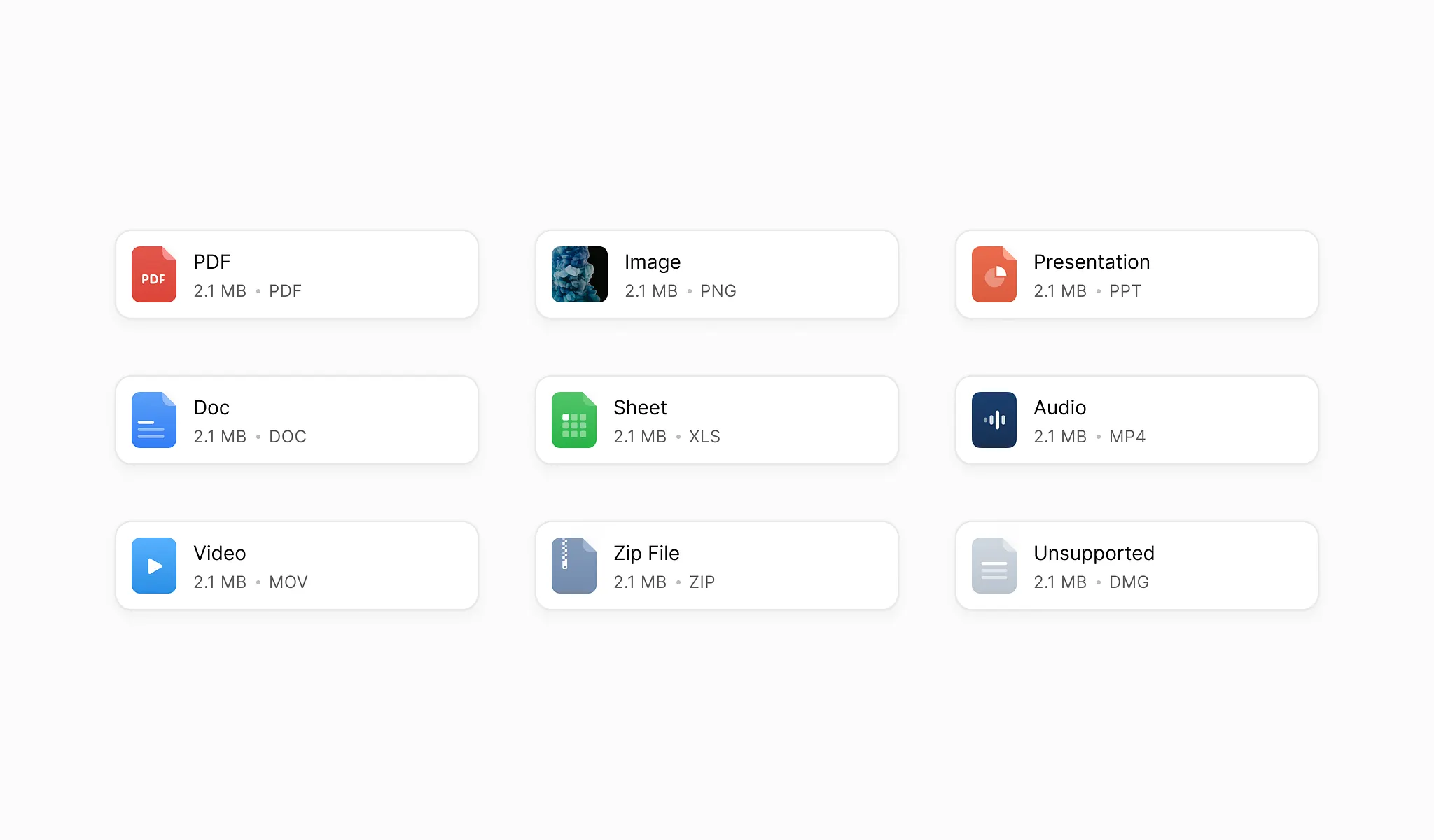
Find and move attachments in bulk
Most of the time, the important part of an email is the file attached to it.
Invoices, contracts, reports, and receipts often live in inboxes long after they should have been saved somewhere else. Finding them later usually means opening emails one by one and downloading files manually.
Dioveo makes it easy to find and move attachments in bulk without digging through your inbox.
All your attachments in one place
Dioveo lists all your email attachments in a single view.
You can search and filter attachments by:
File type such as PDF, image, or spreadsheet
Sender
File name
Date
This lets you find the files you need without opening individual emails.
Download or move files in one action
Once you find the attachments you need, you can select them in bulk.
From there, you can:
Download multiple files at once
Send attachments to Google Drive, Dropbox, or OneDrive
There is no need to repeat the same action for every email.
Keep files where they belong
Attachments often belong in folders, shared drives, or accounting systems, not in your inbox.
By moving files out of email, you can:
Keep your inbox lighter
Make files easier to find later
Share documents without searching for old threads
Dioveo helps you do this in minutes instead of hours.
You stay in control
Dioveo does not modify or rename your files.
Attachments are only moved when you select them or choose a destination. Nothing is uploaded or downloaded without your confirmation.
Files are sent directly from Gmail to your connected storage.
How attachment tools fit into your workflow
A common flow looks like this:
Open the attachment view
Filter by file type or sender
Select the files you need
Move them to your storage in one action
You can repeat this whenever you need to collect or archive files.
When this is useful
The attachment tools are especially helpful when:
Collecting invoices or receipts
Saving contracts and signed documents
Archiving reports sent by email
Cleaning up old attachments from your inbox
If you work with files regularly, this often becomes one of the most used features.
No storage on Dioveo
Dioveo does not store your attachments.
Files are transferred directly between Gmail and your connected storage provider. Once the transfer is complete, Dioveo does not keep a copy.
This keeps your data under your control.
A faster way to handle email files
Email is not designed for managing files, but many important documents still arrive there.
Dioveo gives you a simple way to extract what matters and move it where it belongs, without changing how you use email.